Qué es Tonal Balance Control Audiotools
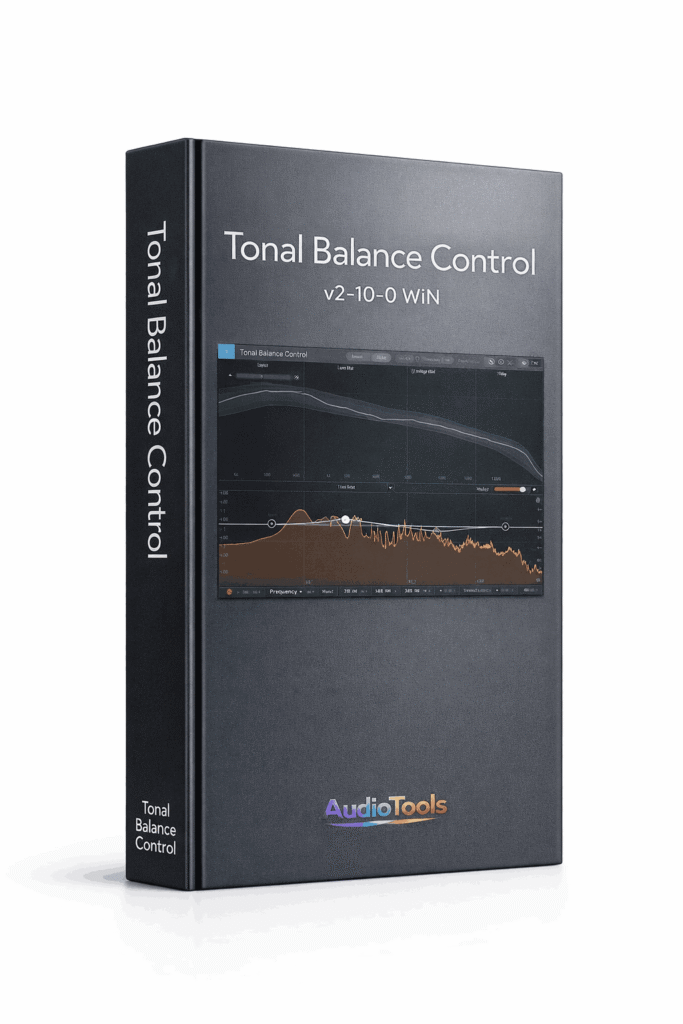
iZotope Tonal Balance Control es un plugin de software creado por iZotope, una destacada empresa de tecnología de audio. Su objetivo es ayudarte a crear mezclas profesionales y equilibradas, así como pistas originales, ofreciendo un análisis y una gestión sencillos del balance tonal de tu audio.
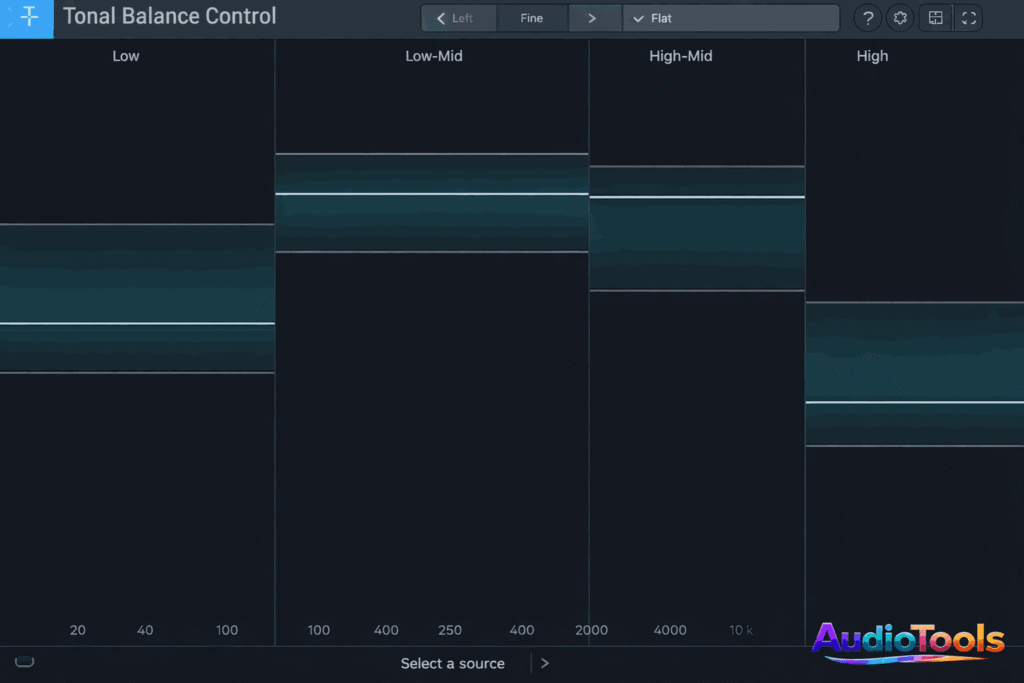
Tonal Balance Control 2 es una herramienta de análisis visual que te ayuda a lograr un balance de frecuencia uniforme y profesional en tus mezclas y masters. Plugin Boutique ofrece Tonal Balance Control 2 de iZotope como descarga gratuita durante un breve periodo. Esta promoción está disponible hasta el 26 de mayo, así que no esperes más si quieres conseguir una de las herramientas de medición premium de iZotope gratis.
Also try these other products from Audiotools Store
Qué hay de nuevo
- Medición de fluidos integrada en la interfaz principal de medición de balance tonal (ajustes grueso y fino).
- El menú de opciones se ha mejorado visualmente para armonizarlo con otros títulos.
- Se solucionó un problema por el cual la ventana de promedio de medición se configuraba incorrectamente en “Tiempo real” después de hacer clic en el botón “Restablecer” en Opciones, en lugar del valor predeterminado previsto de 10 segundos.
- Se modificó la escala del eje de frecuencia de las líneas de cuadrícula verticales que se muestran en los ecualizadores remotos vinculados para que coincidan con las líneas de cuadrícula de la región de balance tonal.
- Se modificó la escala del eje de amplitud de los ecualizadores Ozone vinculados para garantizar su igualdad y se mejoró el control remoto de la amplitud del nodo Ozone EQ mediante IPC.
English:
What is Tonal Balance Control?
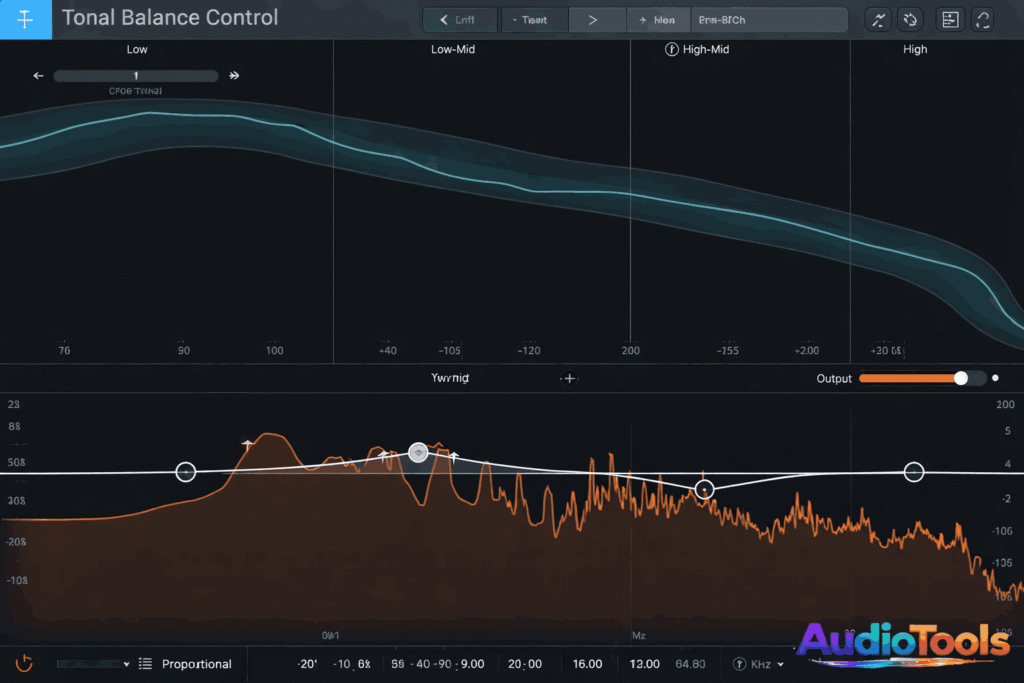
iZotope Tonal Balance Control is a software plugin created by iZotope, a prominent audio technology firm. It aims to assist you in creating professional, well-balanced mixes and original tracks by offering straightforward analysis and management of your audio’s tonal balance.
Tonal Balance Control 2 is a visual analysis tool that aids in achieving a uniform and professional frequency balance in your mixes and masters. Plugin Boutique is providing Tonal Balance Control 2 by iZotope as a complimentary download for a short period. This promotion is available until May 26th, so take action promptly if you wish to secure one of iZotope’s premier metering tools for free
What’s New?
- Integrated fluid metering into the primary tonal balance metering interface (coarse and fine settings).
- The options menu has undergone a visual enhancement to align with other titles.
- Resolved an issue where the metering averaging window was incorrectly set to “Realtime” after clicking the “Reset” button in Options instead of the anticipated default value of 10 seconds.
- Modified the frequency axis scaling of vertical gridlines displayed in linked remote EQs to match the tonal balance region gridlines.
- Modified the amplitude axis scaling of linked Ozone EQs to ensure they are equal and enhanced remote control of Ozone EQ node amplitude via IPC
FAQs
- How does the Tonal Balance Control function?
It examines your track instantly and indicates if your low, mid, and high frequencies fall within a desired range.
- Is Tonal Balance Control a plugin for mastering?
It primarily serves as a visual analysis tool for mixing and mastering, rather than a direct equalizer or compressor.
- Is Tonal Balance Control accessible for beginners?
Certainly, it’s accessible for newcomers and allows you to see whether your mix has excessive bass or is overly bright.
- Is it compatible with other iZotope plugins?
Indeed, it connects with Ozone, Neutron, and various other iZotope plugins for immediate EQ modifications.
- Which genres are supported by Tonal Balance Control?
It features predefined targets for genres such as Pop, Rock, Hip-Hop, EDM, and others.
- Is Tonal Balance Control demanding on the CPU?
No, it’s light and operates efficiently on the majority of contemporary systems.
- Is it possible to import custom reference tracks?
Indeed, you are able to generate personalized targets using your own reference tracks.
- Is it compatible with Windows and Mac?
Indeed, it is compatible with both Windows and macOS in VST, AU, and AAX formats.
- What are the benefits of using Tonal Balance Control?
It assists you in obtaining a more balanced, professional-sounding mix by aligning your audio with industry benchmarks